
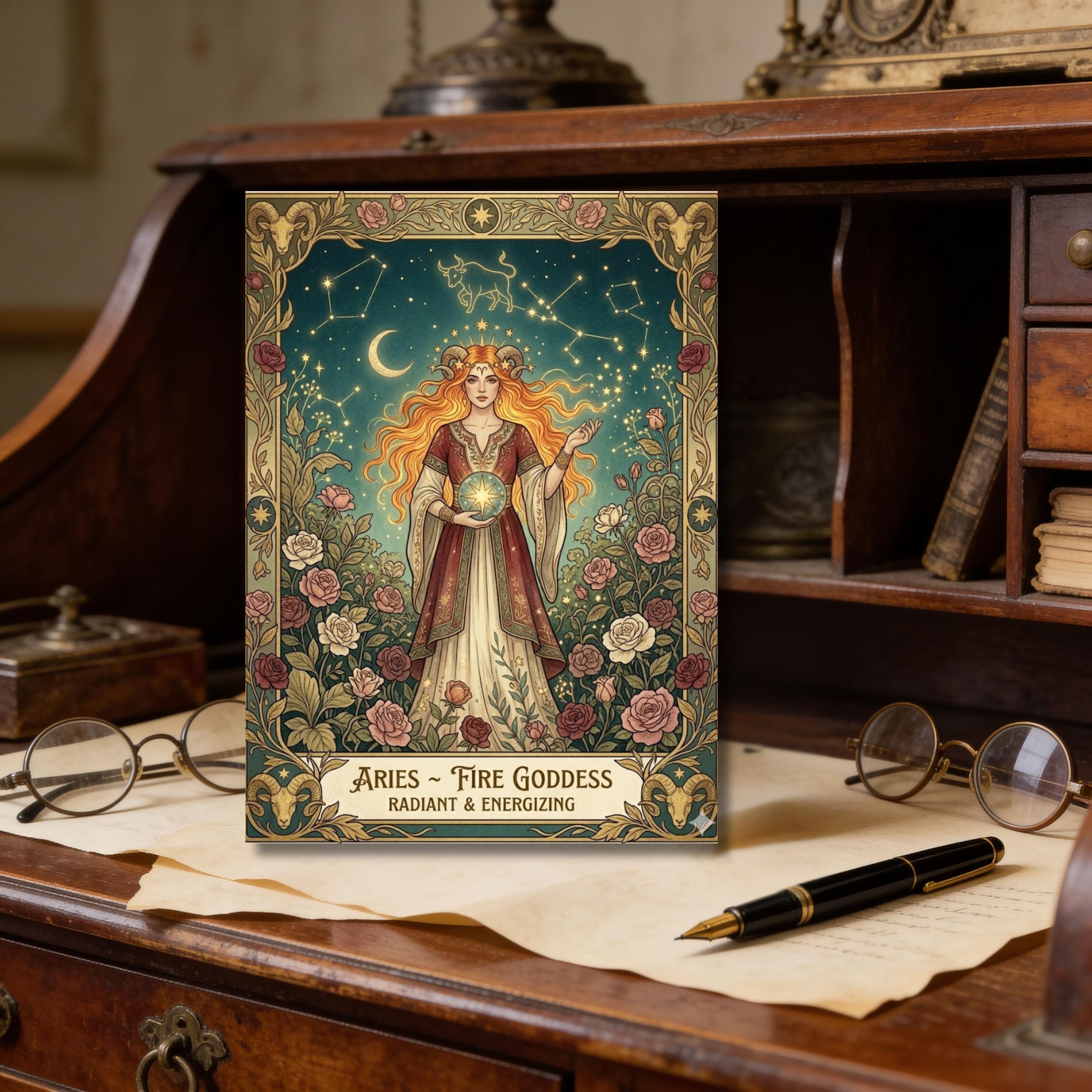
Birthday Card
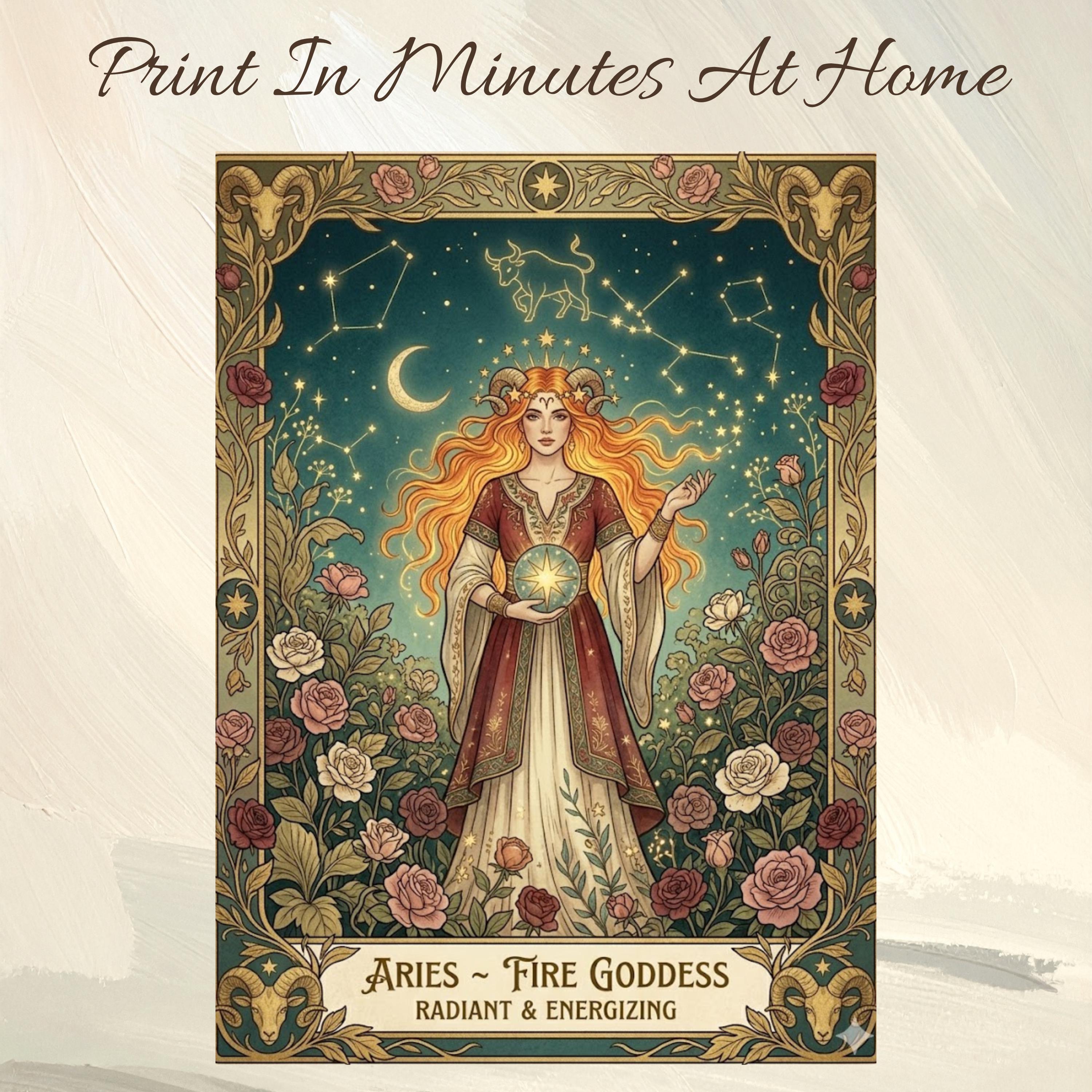
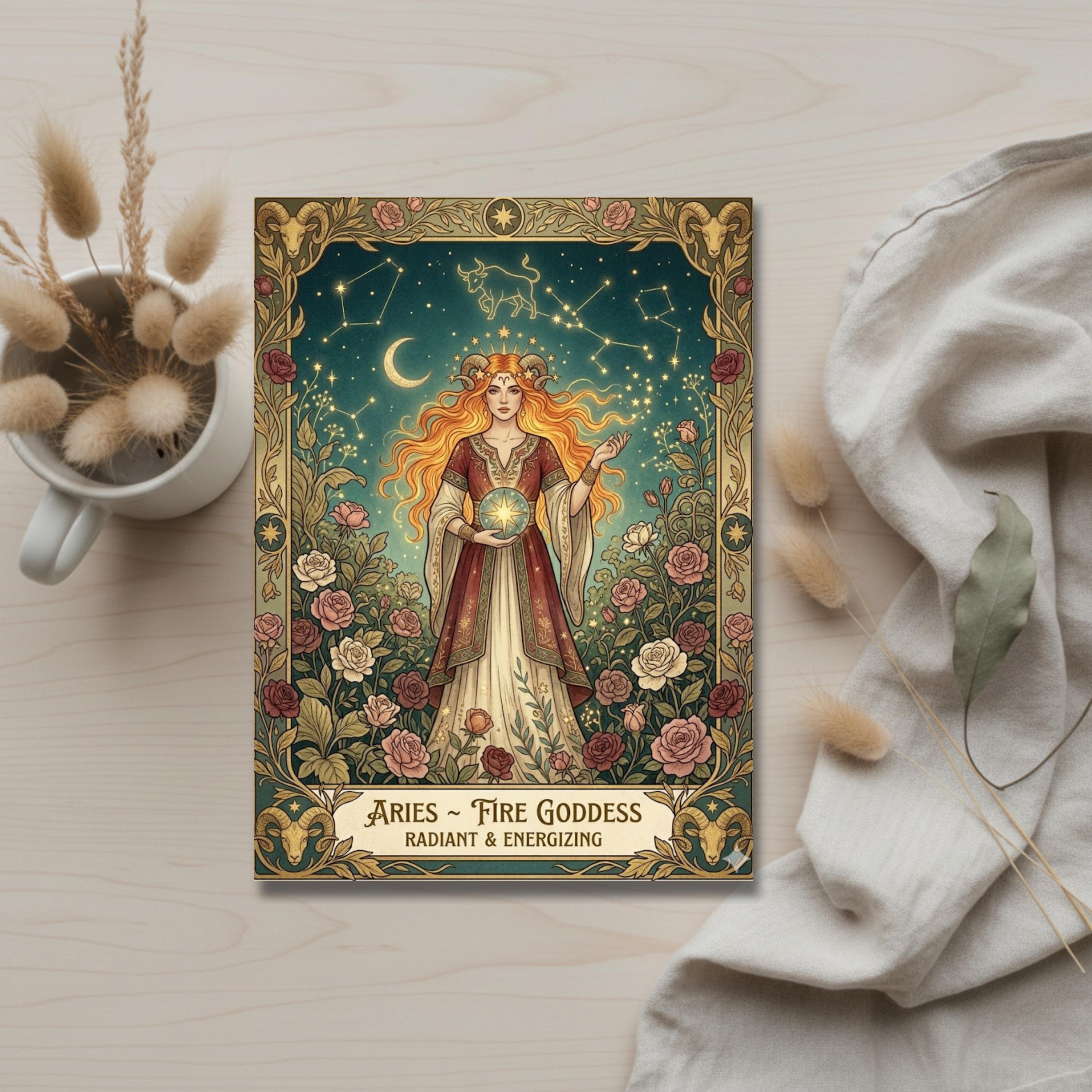
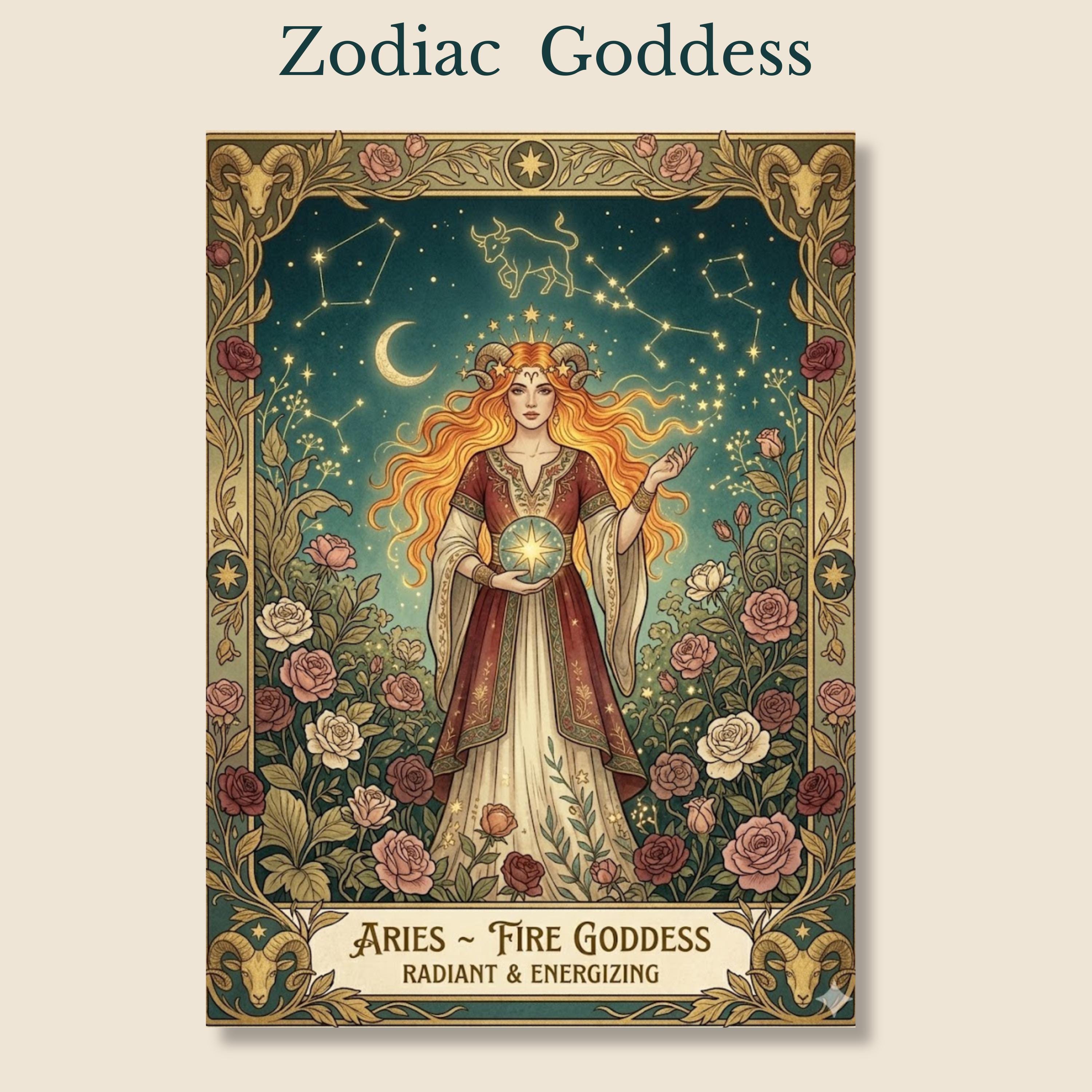
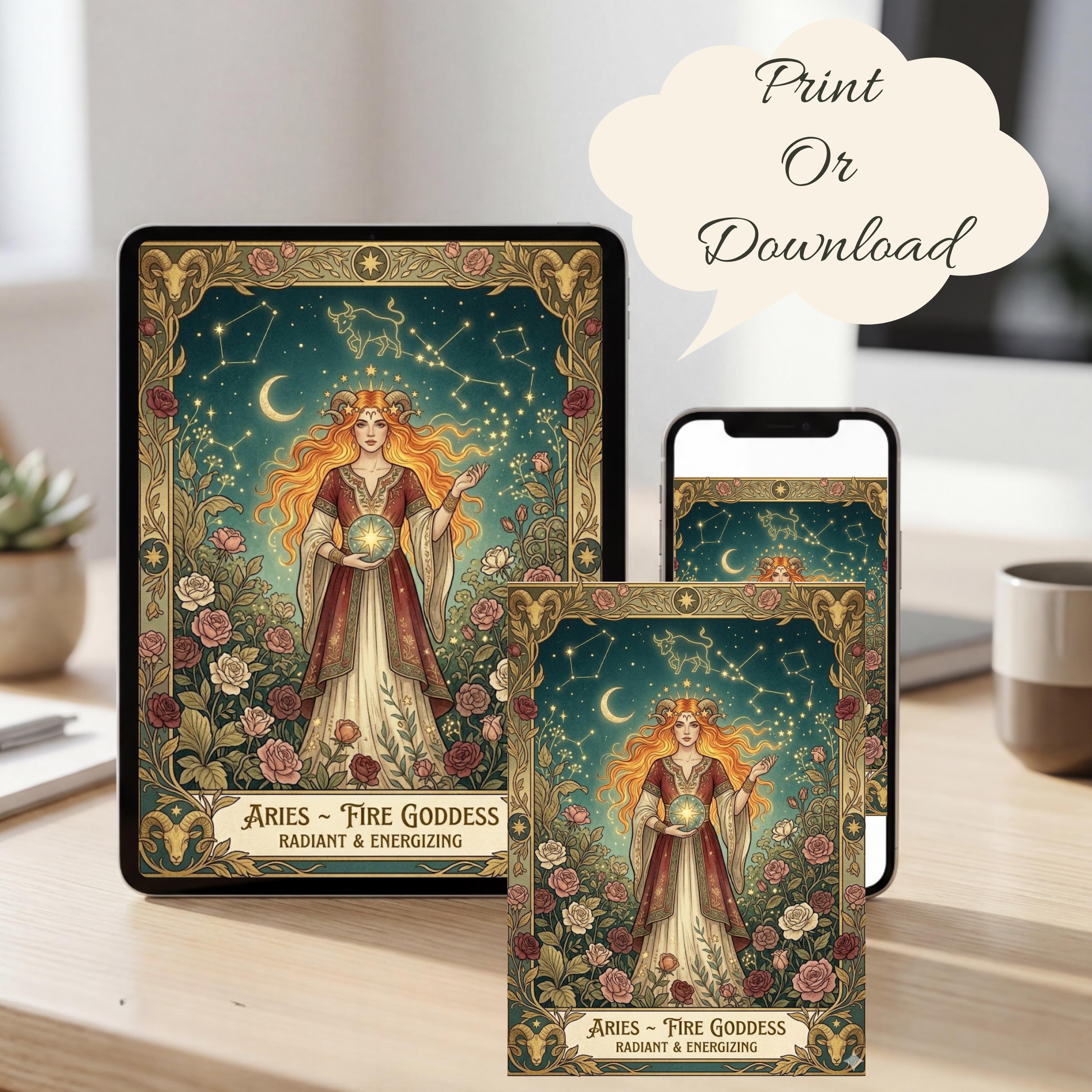
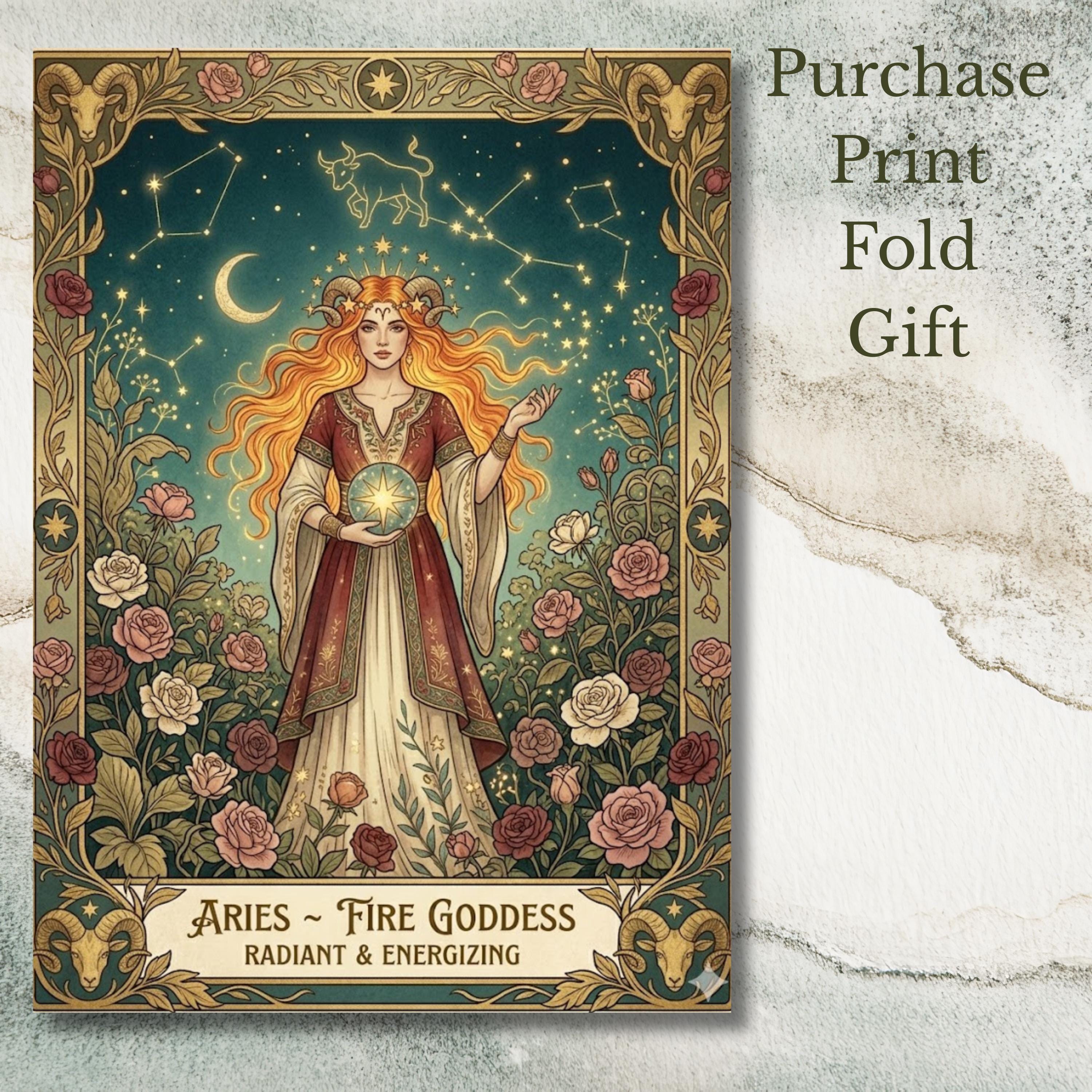
Aries Fire Goddess Astrology Printable Card, Vintage Zodiac Art Birthday Card Digital Download,
$3.00 $4.00
-
DetailsCelebrate the bold and radiant spirit of Aries with this stunning zodiac birthday card printable, featuring a powerful fire goddess surrounded by celestial constellations and blooming roses. Designed in a vintage-inspired style with rich colors and intricate details, this card captures the essence of Aries energy—strong, passionate, and full of life.
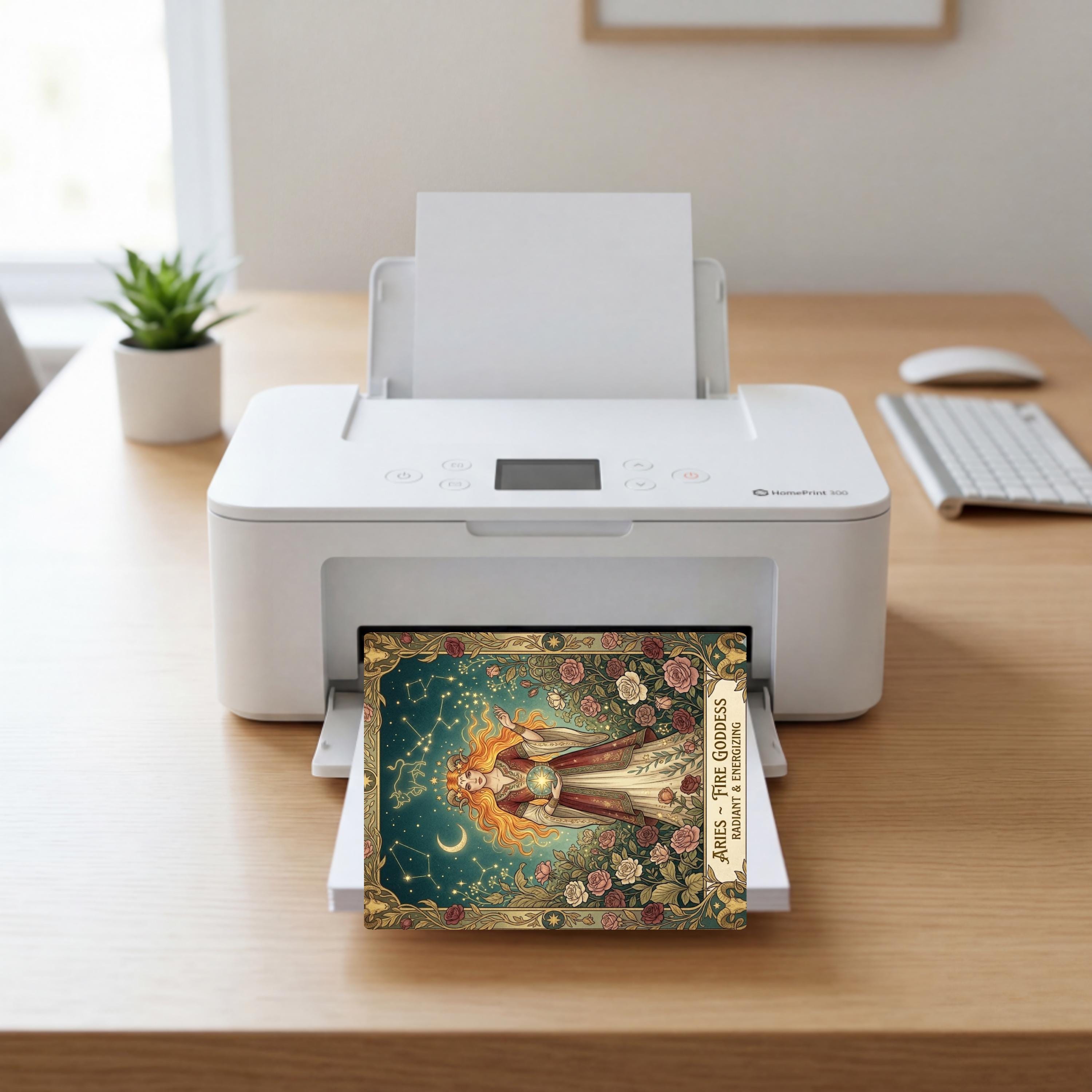
Perfect for astrology lovers, this digital download birthday card is ideal for those searching for zodiac birthday cards, Aries gifts, or mystical printable cards. Instantly accessible and easy to print, it offers a unique and meaningful way to honor someone special.
PANSY ROSE DIGITALS
How to download & print your card
You're just a few simple steps away from holding your beautiful card in your hands.
Take your time — I've made this as easy as possible for you.
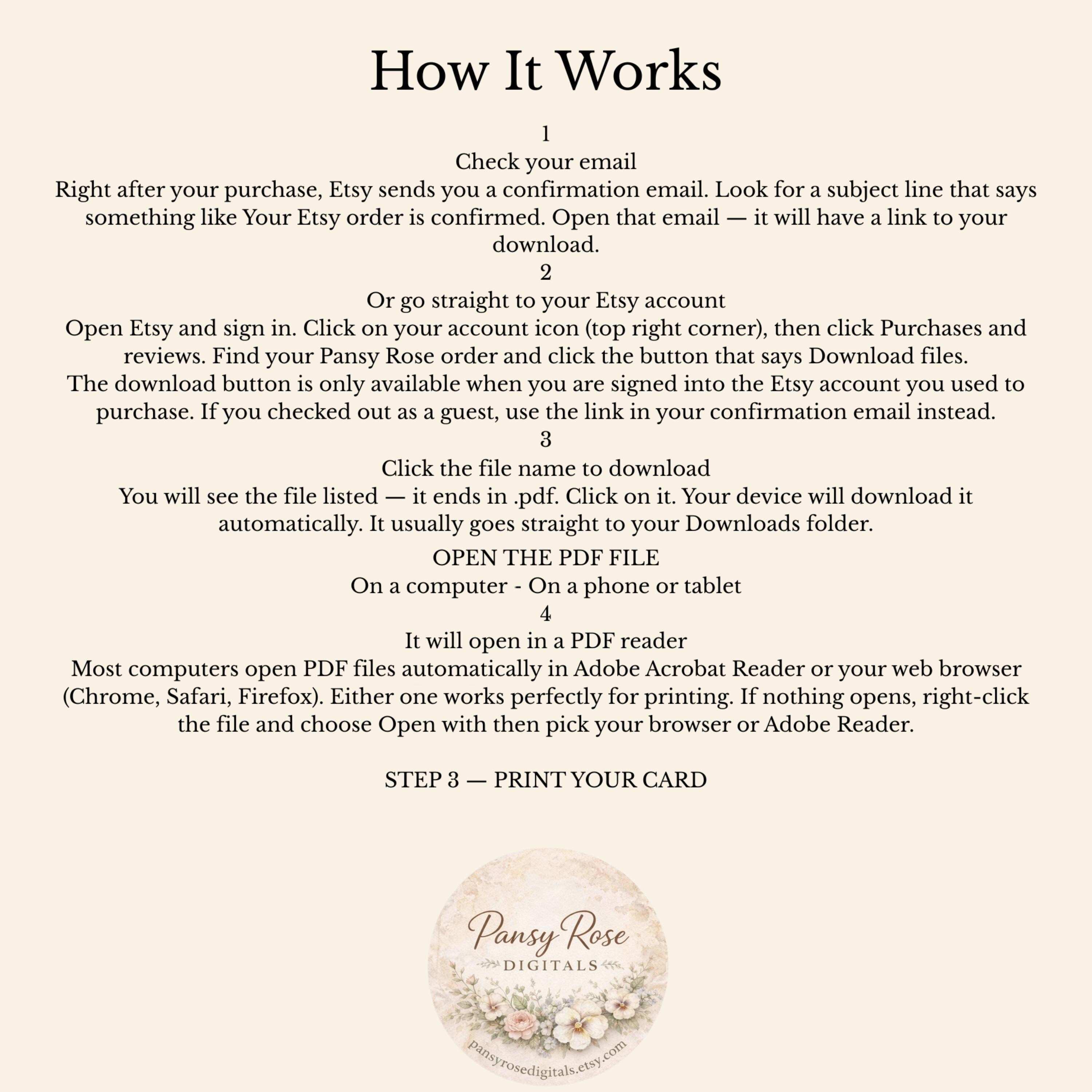
STEP 1 — FIND YOUR DOWNLOAD ON ETSY
1
Check your email
Right after your purchase, Etsy sends you a confirmation email. Look for a subject line that says something like Your Etsy order is confirmed. Open that email — it will have a link to your download.
2
Or go straight to your Etsy account
Open Etsy and sign in. Click on your account icon (top right corner), then click Purchases and reviews. Find your Pansy Rose order and click the button that says Download files.
The download button is only available when you are signed into the Etsy account you used to purchase. If you checked out as a guest, use the link in your confirmation email instead.
3
Click the file name to download
You will see the file listed — it ends in .pdf. Click on it. Your device will download it automatically. It usually goes straight to your Downloads folder.
If nothing seems to happen, check the very bottom of your screen or the top of your browser — the download may be running quietly in the background.
CAN'T FIND YOUR DOWNLOAD?
Etsy keeps your downloads available for 30 days after purchase. If you cannot find the email, sign into your Etsy account and go to Purchases and reviews — your download will be waiting there. Still stuck? Send us a message on Etsy and we will help you straight away.
STEP 2 — OPEN THE PDF FILE
On a computer - On a phone or tablet
1
Find the file in your Downloads folder
Open your Downloads folder on your computer. Look for a file with your card name ending in .pdf. Double-click to open it.
2
It will open in a PDF reader
Most computers open PDF files automatically in Adobe Acrobat Reader or your web browser (Chrome, Safari, Firefox). Either one works perfectly for printing. If nothing opens, right-click the file and choose Open with then pick your browser or Adobe Reader.
STEP 3 — PRINT YOUR CARD
1
Open the print menu
With your PDF open, press Ctrl + P on Windows or Cmd + P on a Mac. A print settings window will appear. On a phone, tap the share icon and choose Print.
2
Use these settings for the best results
In your print settings, make sure you choose the following for a beautiful result:
Paper size: Letter (8.5 x 11 inch) for US, or A4 for UK/Australia
Orientation: check your card — most are Portrait (tall), some are Landscape (wide)
Scale or fit: choose "Fit to page" or "Actual size" — do NOT select "shrink oversized pages"
Quality: set to Best or High if your printer gives you the option
Color: make sure it is set to Color, not Black & White
3
Load your paper and press Print
Place your paper in the printer, then click the Print button. That's it! Your beautiful card will come out ready to sign and give.
Tip: Do a quick test print on plain paper first before using your good card stock — just to make sure the sizing looks right.
WHAT PAPER WORKS BEST?
For a beautiful card
Use card stock — 80 lb or heavier. It feels sturdy and looks professional. Most craft stores and office supply shops carry it. White or cream both look lovely.
For a quick print
Regular printer paper (copy paper) works just fine too — especially if you are printing a test copy first, or if the recipient just needs the message inside.
For extra special
Try photo paper (matte finish) for the most vibrant colors. The design really shines on matte photo paper and feels like a shop-bought card.
Ink tips
Make sure your printer ink is not running low before printing — faded ink affects the colors. If colors look pale, check your ink levels first.
YOU CAN PRINT AS MANY COPIES AS YOU LIKE
Your download is yours to keep and reprint as many times as you need — for personal use. Print one for Grandma, one for your sister, one for your best friend. Just remember that our designs are for personal use only and may not be resold or shared.
NEED HELP? WE ARE RIGHT HERE.
SOMETHING NOT WORKING?
Please don't struggle alone — I want your experience to be a happy one. Send me a message directly through Etsy and we will get back to you as quickly as I can. I am a small, owner-run shop and I genuinely care about every single order. No question is too small.
Common fixes in one minute
File won't open — try right-clicking and choosing "Open with Adobe Reader" or your browser. Colors look wrong — check your printer is set to Color not Greyscale. Card is printing too small — choose "Fit to page" in your print settings. File has disappeared — sign back into Etsy, go to Purchases, and re-download anytime within 30 days.
Pansy Rose Digitals
pansyrosedigital.etsy.com
~ made with quiet love, just for you ~ -
Shipping & Policies
Digital downloads
File delivery
Your files will be available to download once payment is confirmed.
Payment Options
Returns & Exchanges
Returns & exchanges not accepted
But please contact me if you have problems with your order
Privacy policy
For Us Privacy Policies Go To:
https://www.etsy.com/legal/privacy
For Full Disclosure Of European GDPR Compliance Policies Go To:
:https://www.etsy.com/seller-handbook/article/update-on-the-european-union-privacy/300423639314
Related Products